

What are TCP Monitors?
Use TCP monitors to verify that your non-HTTP services are working as expected. TCP monitors work by establishing a connection to a host and port, then checking the speed and validity of the response. For example, use these checks to verify that:- Your mail server is online and responds to IMAPS requests quickly
- Your FTP server responds correctly to commands
- Your custom TCP-based service returns the expected response when sent a health check message
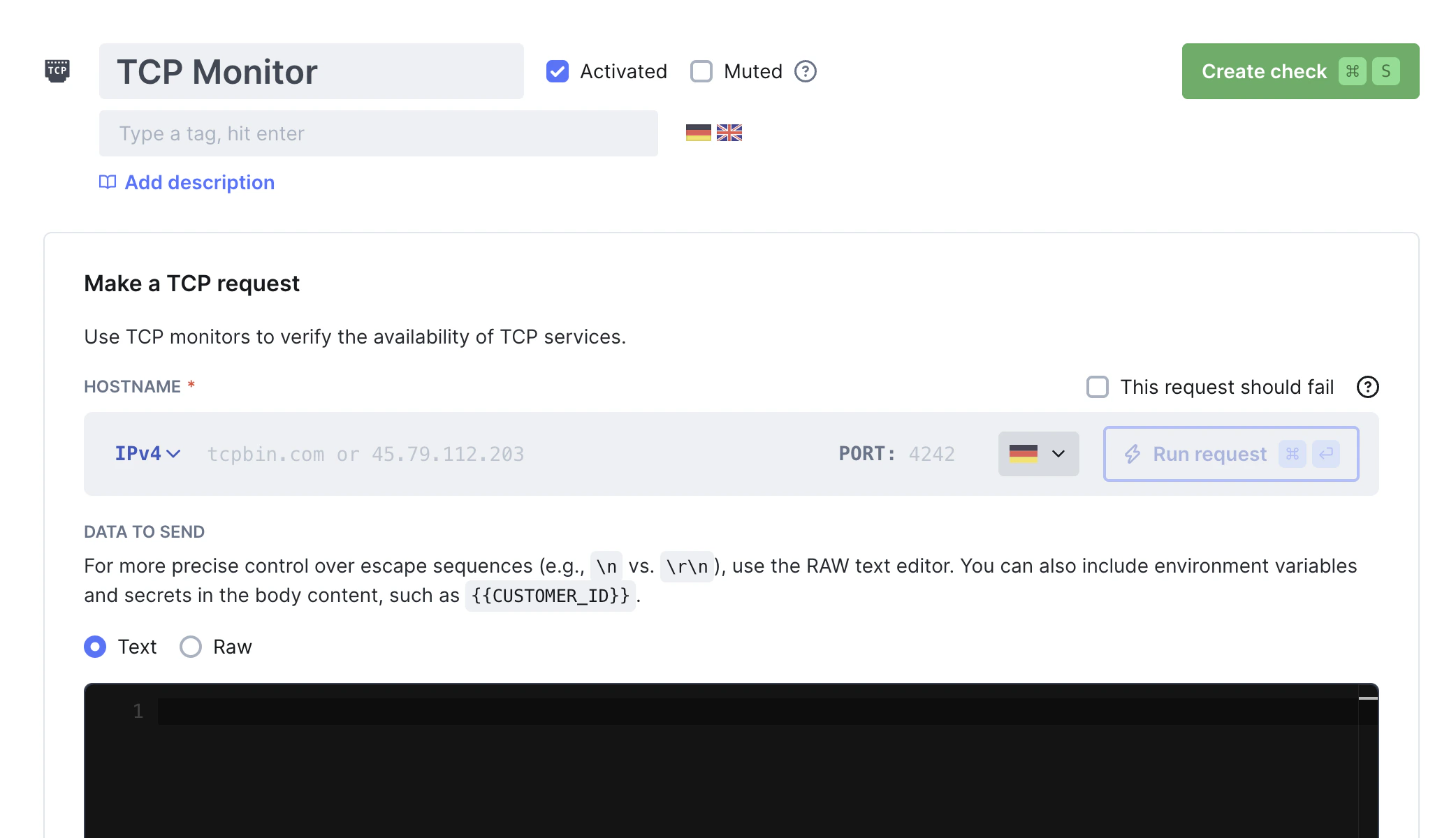
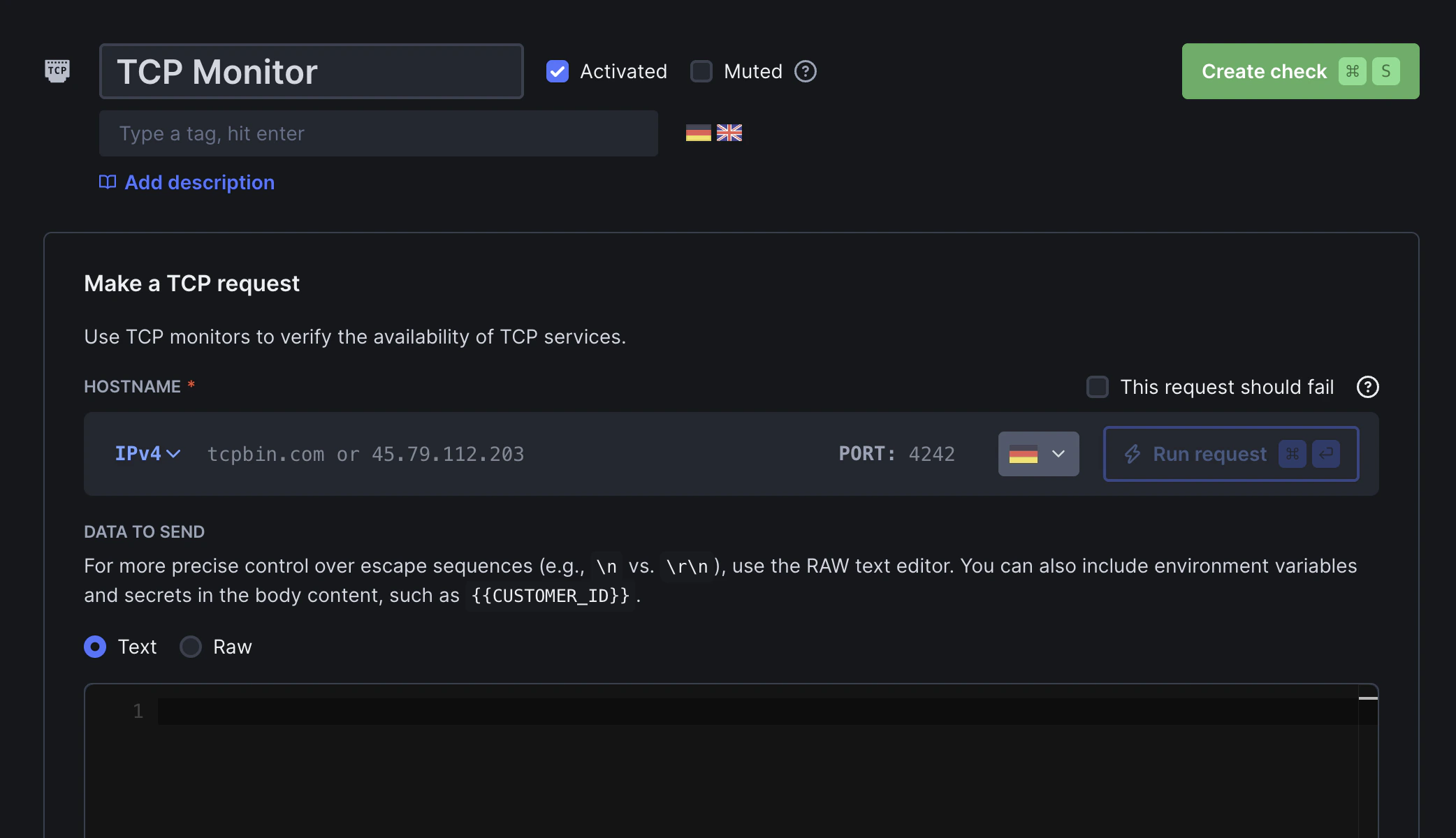
How TCP Monitoring Works
TCP monitors perform connection-level checks:- Connection Attempt - Establishes a TCP connection to your service
- Port Verification - Confirms the service is listening on the specified port
- Response Validation - Optionally validates service responses based on your configured assertions
TCP Monitor Results
Select a specific check run to review its results: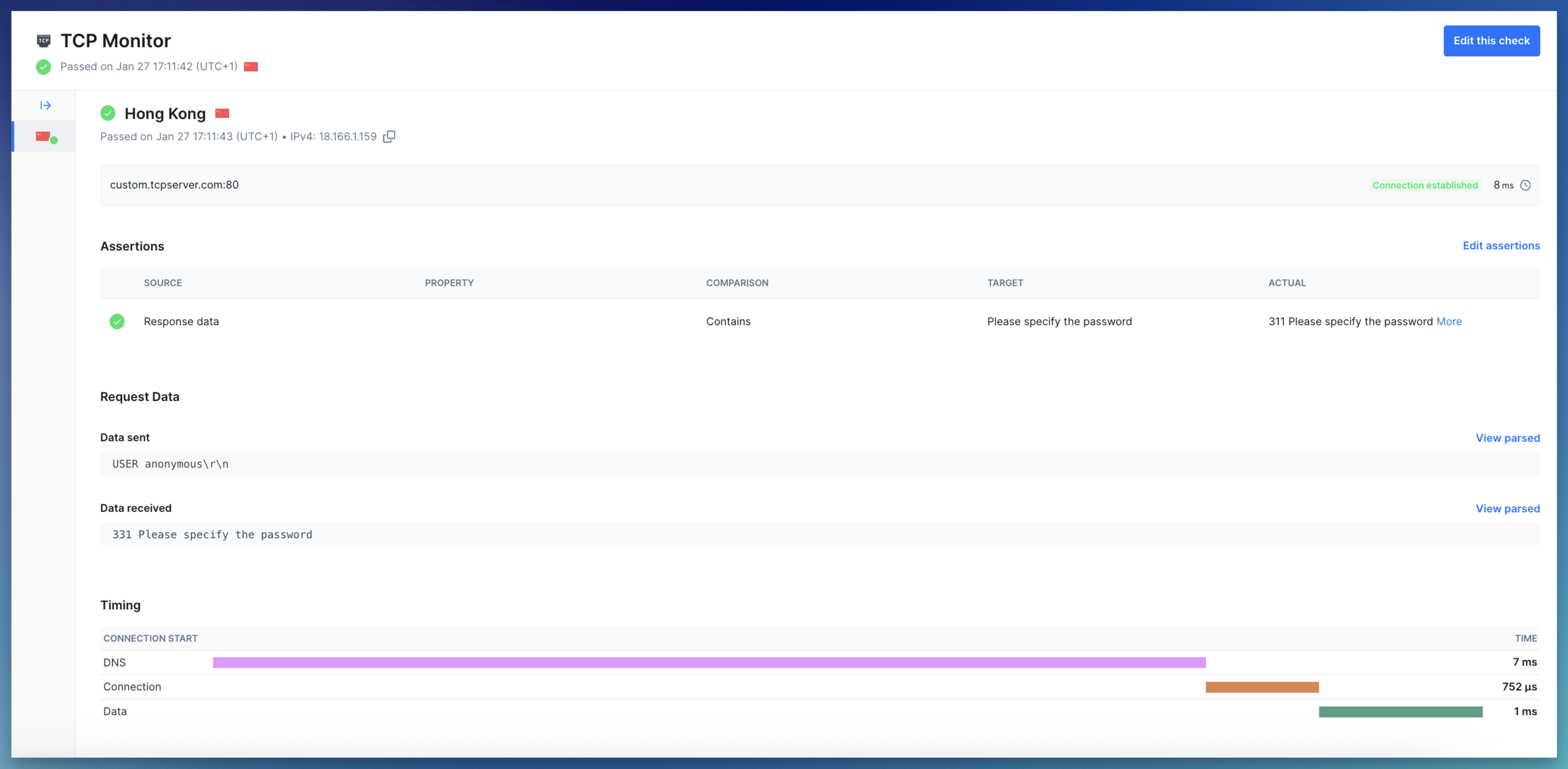
-
Summary: Displays the monitor target (hostname and port), the monitor state (
successfor passed and degraded runs, orerrorfor failed runs), the request status code and the total check run duration - Error details: If the check failed, the error status code and message log will be shown
- Request data: If a payload was sent, it is shown alongside the response received from the server
-
Timing phases: For each request, we capture the following timing metrics:
- DNS: Time taken to resolve the hostname to an IP address (if a hostname was provided)
- Connect: Time taken to establish the TCP connection (SYN, SYN-ACK, ACK)
- Data: Time taken to send the payload and receive the response data
Troubleshooting
TCP monitors on port 25 time out
TCP monitors on port 25 time out
TCP monitors to port 25 (SMTP) may fail with a SOCKET_TIMEOUT error from some Checkly locations.This happens because AWS blocks outbound traffic on port 25 by default to prevent spam. Some Checkly public locations run on AWS, so connections to port 25 cannot be established from those regions.Workarounds:
- Run the check from a Private Location where port 25 is allowed
- Use an alternative SMTP port such as 587 or 465 if supported